# Form Container
## Setup
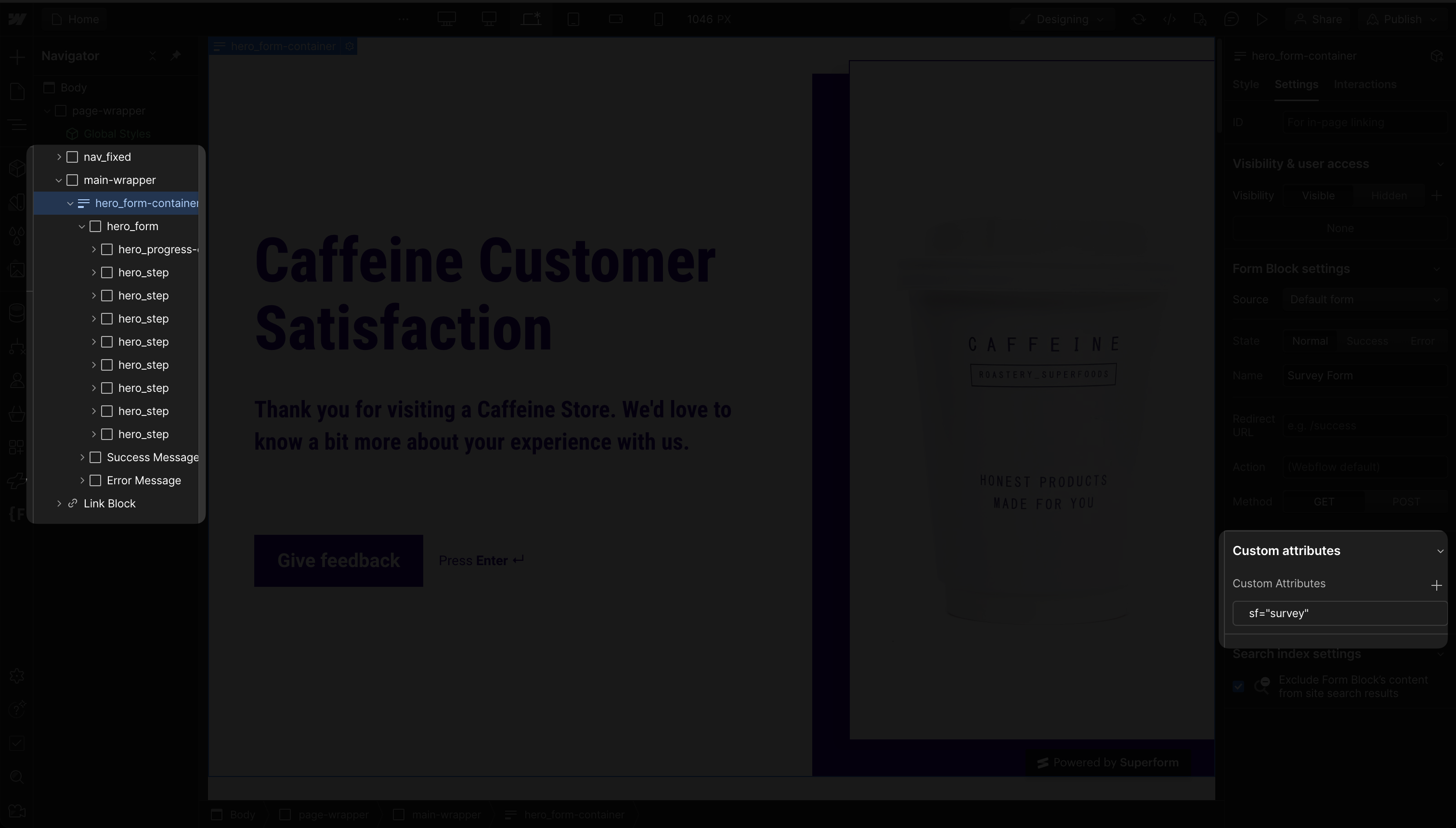
**Attribute:** `sf = formName`
**Where:** Form container element
**Description:** Mounts the Superform library to a specific form in Webflow. Once applied, Superform provides advanced input validation, reactivity, multi-step form support, dynamic outcomes, quiz scoring and its other features.
**HTML Example**
{% code title="index.html" %}
```html
```
{% endcode %}
**Webflow Example**
{% embed url="" %}
VIDEO: Mounting Superform inside a Webflow project.
{% endembed %}
{% hint style="info" %}
1. Multiple instances can be used on a single page.
2. The form name ("myForm" in this case) also serves as a reference for accessing the form via `getForm(myForm)` function programmatically in the SDK.
{% endhint %}